Best smart garage door opener technology is transforming home security and convenience. If you have struggled with missed deliveries, forgotten open doors, or the hassles of outdated systems, switching to a modern smart garage solution can solve these issues—provided you know what to look out for. In this guide, you will learn how to choose the right system, understand what tools and setups matter, and avoid costly installation mistakes that often result in wasted time and frustration.
Key Takeaways
- Smart garage door openers provide real-time remote control, activity logs, and integration with major smart home systems, but installation challenges and wifi setup must be addressed up front.
- Choosing the right model depends on compatibility with your existing garage motor, network strength in your garage, and whether you want premium features like video monitoring or multi-user access.
- Market leaders such as Chamberlain myQ and Meross differ in installation complexity, smart home compatibility, and subscription fees, so comparing these aspects before you buy is crucial.
- What You Need to Know About Best Smart Garage Door Opener
- Step-by-Step Installation and Essential Tools
- Advanced Comparisons, Pitfalls, and Security
- Conclusion
- Frequently Asked Questions
What You Need to Know About Best Smart Garage Door Opener
The best smart garage door opener puts control and peace of mind in your hands—literally. Unlike traditional openers, these smart devices sync to your phone or home assistant so you can monitor and operate your garage door from anywhere. At their core, modern models such as Chamberlain myQ, Meross, and NEXX rely on secure wifi, encrypted data, and app-based controls.
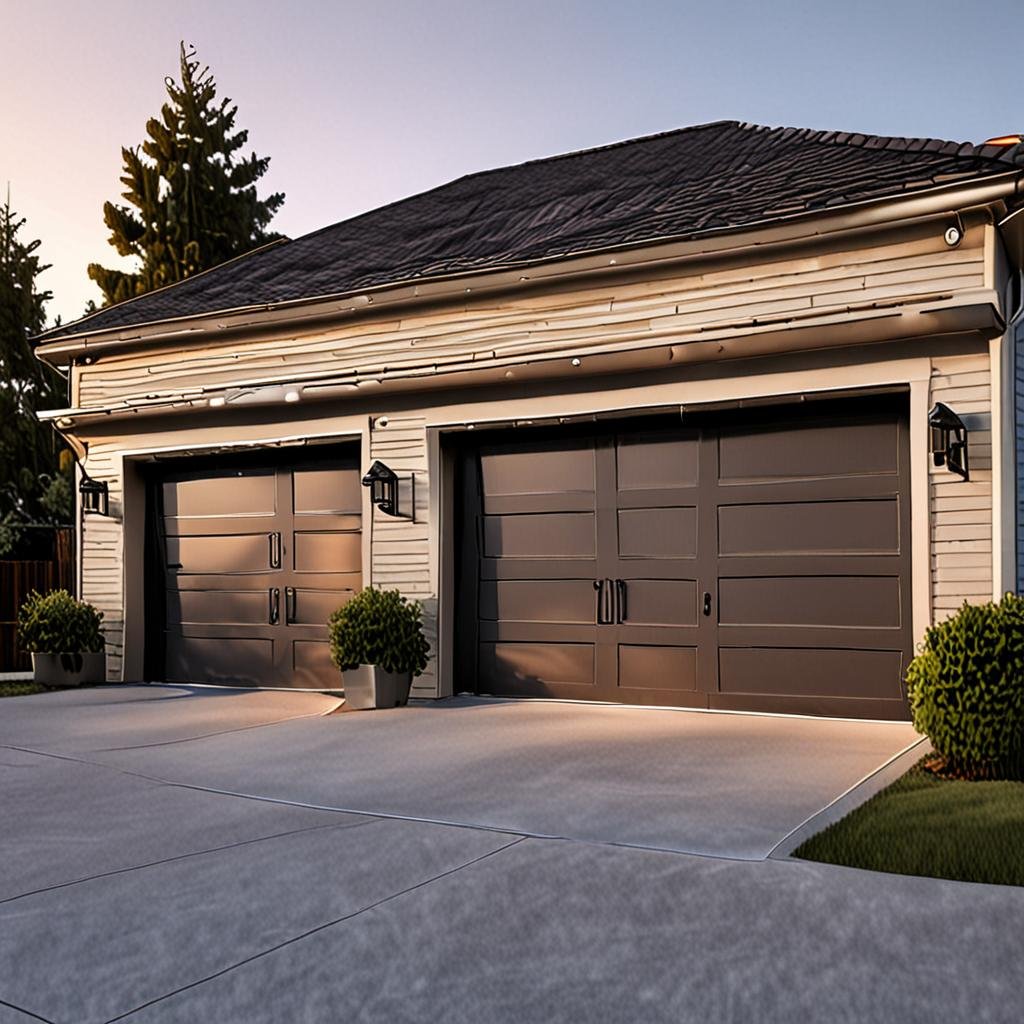
You will typically need a compatible smart controller (often included), reliable wifi, and your smartphone or tablet. Other essentials include a Phillips screwdriver set, step ladder, basic voltage tester (for older systems), and strong zip ties for safe wire management. Some advanced models offer add-ons like high-definition camera modules and motion sensor kits for enhanced security.
Integration varies: myQ supports Google Assistant, Amazon Alexa, and Apple HomeKit through a smart hub or bridge, while Meross often connects directly via the app and is renowned for plug-and-play setups. Many homeowners find that a doorbell camera without drilling makes a perfect companion for these systems, adding front-door awareness to your entry security.
According to Market Research Future, industry adoption is rising steadily. By 2024, over 15% of homes with garages are fitted with smart openers, a clear sign that both new constructions and retrofits are on the rise.
Step-by-Step Installation and Essential Tools
Upgrading to the best smart garage door opener requires solid prep and careful execution—one missed wire or skipped wifi step can mean a non-working system. Here’s a practical walkthrough to help you get it done right the first time.
- Survey Your Existing Opener: Confirm your garage door motor is compatible. Models built after 1993 usually are, but check for working safety sensors.
- Gather Tools and Supplies: Essential items include a compact voltage tester, non-contact circuit pen, heavy-duty ladder, and wire strippers. For neat installs, use self-adhesive power cord clips and weather-resistant zip ties. Camera-equipped models may need a drill with a minimal drill bit set for wall mounting.
- Position Your Wifi Router: A weak signal is the leading cause of smart opener failures. Consider a wifi extender or mesh unit for the garage area if your signal is unreliable.
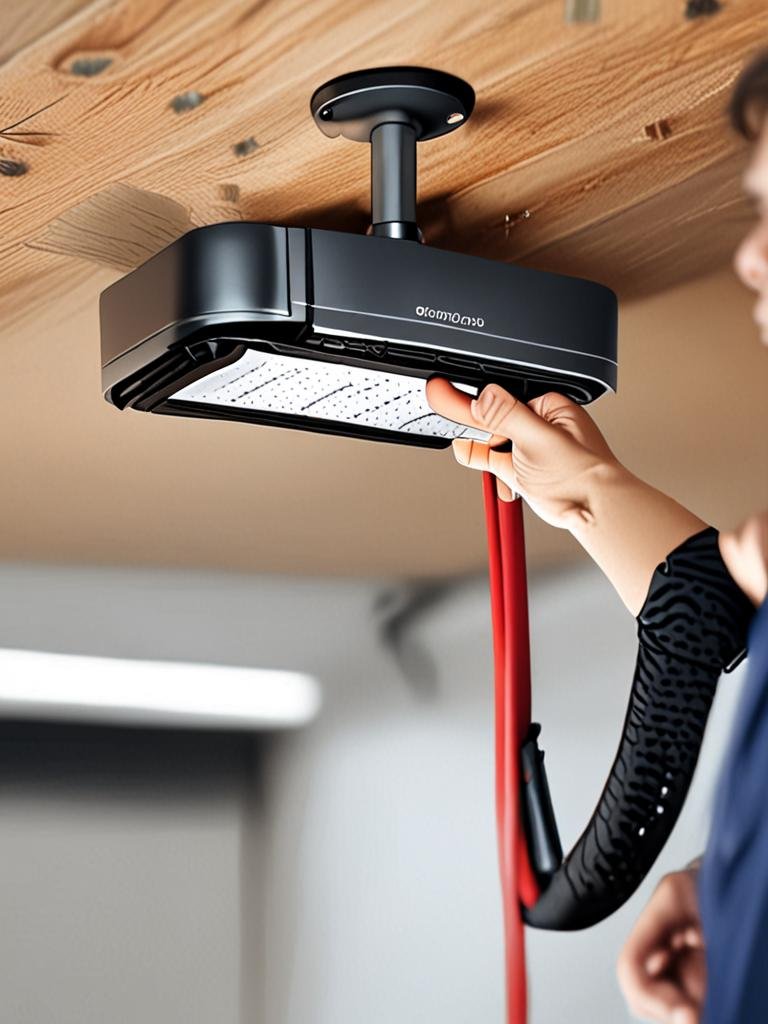
- Physical Installation: Attach the smart controller to your opener using included adhesive strips or mounting hardware. Route wires carefully, avoiding power lines, and use an adjustable wire stripper for clean contacts.
- Connect and Test: Power up, link via the app, and perform a test open/close sequence. For camera models, confirm 1080p with night vision and install extra weatherproof gaskets if needed. Assign app permissions (family, guests, delivery) for multi-user households.
- Secure and Maintain: Set up flashing firmware updates, enable multi-factor authentication, and regularly check your system status from the app dashboard.
For a full home security upgrade, it pays to combine garage and entry monitoring. Consider integrating a no-drill over-the-door organizer in the entry area to keep remotes and controllers in reach. If you add a smart camera, always use a surge protector and regular cleaning wipes on the lens to prevent blurry video feeds.
Advanced Comparisons, Pitfalls, and Security
While installing the best smart garage door opener is straightforward for most households, there are notable pitfalls and differences between brands. The table below compares key features, common problems, and highlights what large-scale reviews reveal.
| Brand/Model | Installation | App Ecosystem | Camera Option | Common Pain Point | Ongoing Fees |
|---|---|---|---|---|---|
| Chamberlain myQ | Moderate (hub often needed) | Excellent (HomeKit, Alexa, Google) | Available (1080p with night vision) | Wifi pairing glitches | Subscription for premium features |
| Meross Smart Opener | Fast (no hub for most models) | Good (Alexa, Google, SmartThings) | Some models support cameras | App response delays | No recurring fee required |
| NEXX Garage | Easy-moderate | Strong (Google, Alexa) | Limited | Initial firmware update issues | Some optional features |
A few more advanced insights:
- Wifi and Interference: Metal garages or those with thick masonry may require a signal booster, as interruptions cause disconnections or false activity alarms.
- Durability: Not all smart garage door openers are built for temperature swings. Look for hardware made with weather resistant plastic and sealed connectors for longevity.
- Security: Factory default passwords and disconnected firmware lead to vulnerabilities. Always change credentials and activate auto-updates. Read home security advice from Consumer Reports.
- Privacy: Opt for models supporting local data storage or clear cloud data policies to reduce privacy risk. Leading camera openers now use AES-256 encryption for video feeds.
- Camera Quality: High-definition 1080p smart cameras with integrated infrared LEDs provide clear night surveillance up to 30 feet but benefit from periodic lens cleaning and positioning tweaks. If you want to upgrade your overall entry security, review our battery powered video doorbell comparison.
- Households with Multiple Garages: Some apps allow you to assign unique access codes for each member or guest. Always check app multi-garage support before purchase to avoid manual toggling or lockouts.
For a more energy-efficient upgrade, consider reinforcing your garage with window insulation film that boosts warmth and helps maintain device function in extreme cold or heat.
Conclusion
Choosing the best smart garage door opener is a smart investment for homeowners seeking security and simplified daily access. By following these tested steps and comparing compatibility, connectivity, and privacy features, you will avoid common mistakes and gain full control over your entryways. Ready to transform your garage? Research your options, check for compatibility, and pick the smart solution that suits your needs and lifestyle—so your home can work smarter for you. For the hand tools that make installation easier, see our Best Utility Knife For Home Use review.
Frequently Asked Questions
Will smart garage door openers work with older garage motors?
Most models are compatible with post-1993 garage openers that have safety sensors. For motors made before this, check each brand’s compatibility chart or consider a universal retrofit kit.
Are smart garage door openers secure against hacking?
Top brands use encrypted protocols and frequent firmware updates. Always change default credentials, activate two-factor authentication, and secure your home wifi network for best protection.
Do these systems need a monthly subscription?
Basic smart control features are typically available without fees. However, add-ons like video storage or third-party integrations may require a subscription depending on your chosen model.
Can I share garage access with guests or delivery drivers?
Yes. Most apps let you grant temporary or permanent access to other users. Be sure to review the app’s sharing and permission features to avoid giving excessive control to guests.
What should I do if the app disconnects or lags?
Check your wifi signal strength in the garage and update both the opener firmware and mobile app. Resetting your router or using a mesh extender often resolves most connectivity problems.