As an Amazon Associate, RenewRooms earns from qualifying purchases. When you buy through links on our site, we may earn a commission at no extra cost to you.
Best video doorbell no drilling is the easiest way for renters, apartment dwellers, or anyone avoiding tools to upgrade their home security with zero mess and no landlord headaches. But with so many models and technical quirks—and a lot of misleading advice online—choosing the right setup can get confusing, fast.
Key Takeaways
- Battery-powered video doorbells with adhesive or over-the-door mounts are ideal for no-drill installations, especially for renters.
- Video quality, storage options, smart home compatibility, and privacy features vary widely between brands—always check details before buying.
- Mounting stability and Wi-Fi strength are the top renter complaints; be ready for possible adhesive or signal challenges in apartments.
- The Core Concept: Why No-Drill Video Doorbells Matter
- Step-by-Step Guide: How to Install a Video Doorbell Without Drilling
- Advanced Analysis & Common Pitfalls
- Conclusion
- FAQ
The Core Concept: Why No-Drill Video Doorbells Matter
No-drill video doorbells exist because most renters and apartment owners can’t risk making holes or permanent changes to their doorframes. Modern video doorbells—like Ring, Eufy, Google Nest, and Arlo—now offer battery-powered, adhesive-backed, or bracket-mounted models that avoid tools entirely. You get key security features such as HD video, night vision, and app alerts, all without risking your security deposit or violating landlord rules.
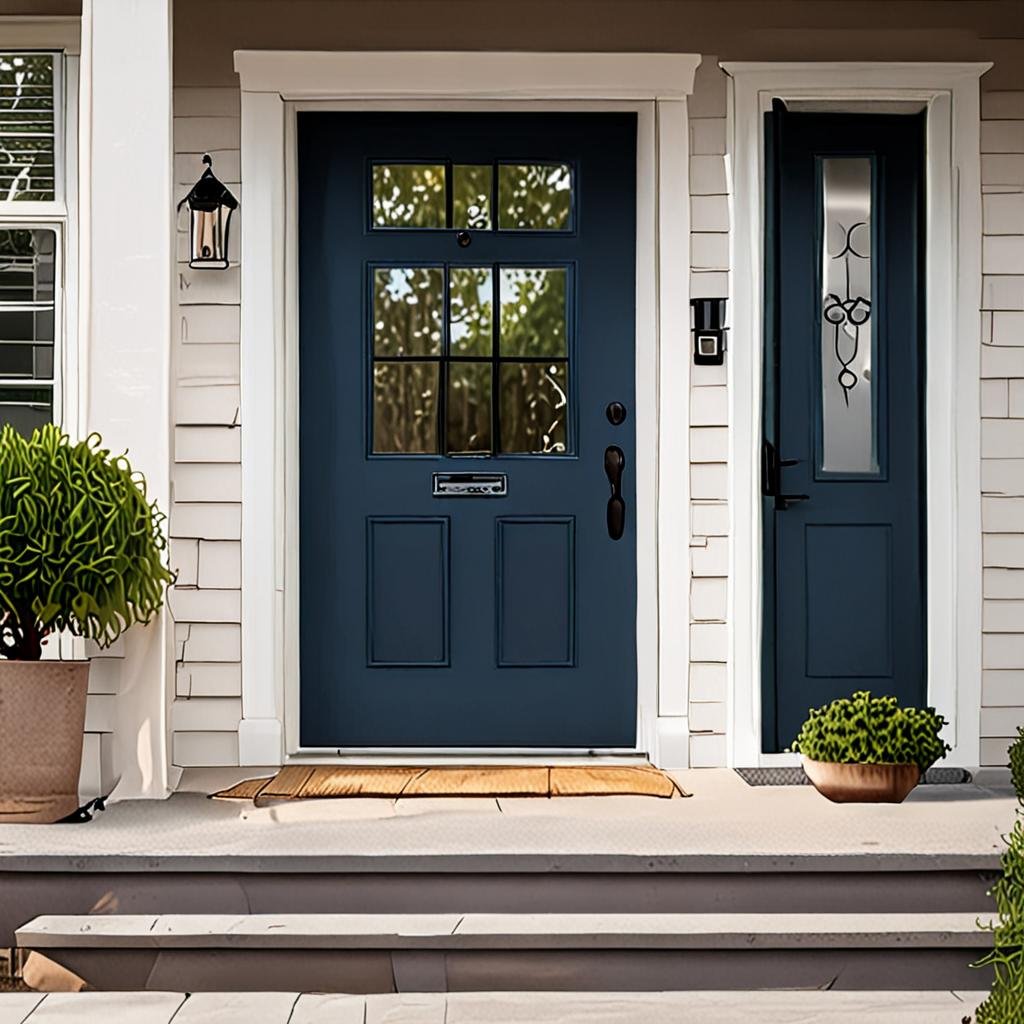
This renter-friendly technology also enables quick removal and reinstallation if you move. However, not all models are created equal: battery life, storage type, connectivity, mount stability, and smart home integration can differ a lot. For a deeper look at upgrading renter spaces, see our review of best peel and stick backsplash options for renters.
Step-by-Step Guide: How to Install a Video Doorbell Without Drilling
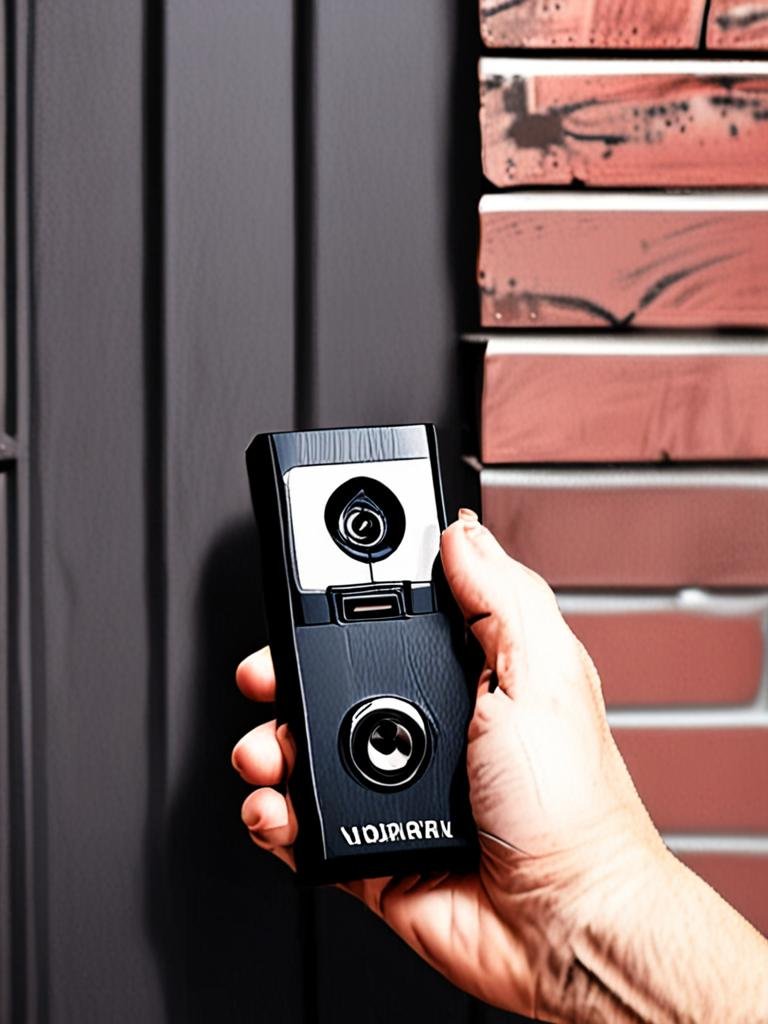
- Pick a Truly No-Drill Model: Look for battery-powered options with adhesive mounting kits or over-the-door brackets. Carefully review each brand’s included hardware.
- Choose a Stable Surface: Clean the mounting area thoroughly—dust and moisture weaken adhesive strength.
- Unbox, Charge, and Connect: Fully charge the doorbell, then use the app (Ring, Eufy, Nest, Arlo) to connect it to your Wi-Fi before mounting.
- Attach Using Adhesive or Bracket: Apply the mount following the manufacturer’s instructions—press for at least 30 seconds. For brackets, gently hook them over the door edge and ensure the door closes well.
- Test Functionality: Trigger a motion event to test alerts, video quality, and two-way audio. Confirm the field of view isn’t blocked.
- Secure Accessories: If your model offers anti-theft mounts or angled wedges, install them now according to brand guidelines.
If you’re upgrading the look of your entryway, you might also like our trends on modern peel and stick wallpaper for renters. And always double-check with your landlord or building management—sometimes even non-destructive upgrades need informal approval.
Advanced Analysis & Common Pitfalls
No-drill video doorbells solve many problems for renters, but they come with real-world limitations:
- Mount Stability: Adhesive mounts may fail in extreme heat, cold, or humidity. Over-the-door brackets can rattle or interfere with door closure on some models.
- Wi-Fi Signal Problems: Concrete or steel doors/walls can weaken signals. Many models only support 2.4GHz—not all apartments can access this network band. Wi-Fi extender
- Battery Hassles: Battery life for top models ranges from 3 to 12 months. Higher traffic, frequent alerts, and cold weather drain batteries faster than advertised.
- Privacy and Data Risks: Cloud-based storage may concern privacy-focused renters. Models like Eufy offer local storage to avoid this.
- Physical Size: Some doorbells are too big for narrow frames or block peepholes, which is rarely shown in brand photos.
- Weatherproofing for Renters: Most adhesives lose strength if exposed to heavy rain or sun—cover with a mini awning if your entry is not sheltered.
| Model | Resolution | Storage | Battery Life | Smart Home Integration | Mount Type | Price Range |
|---|---|---|---|---|---|---|
| Ring Video Doorbell (Battery) | 1080p | Cloud | 6–12 months | Alexa | Adhesive/Bracket | Varies by model |
| Eufy Video Doorbell | 2K | Local | 3–6 months | Alexa | Adhesive/Bracket | Varies by model |
| Google Nest Doorbell (Battery) | HD | Cloud | 4–6 months | Google Home | Adhesive | Varies by model |
| Arlo Essential Wireless | 1536p | Cloud | 6 months* | Alexa / Google Assistant | Adhesive/Bracket | Varies by model |
*Battery life varies. Source: CNET’s 2024 review of best doorbell cameras.
For further upgrades, consider simple changes indoors—see our renter-friendly bathroom inspiration for more easy ideas.
Conclusion
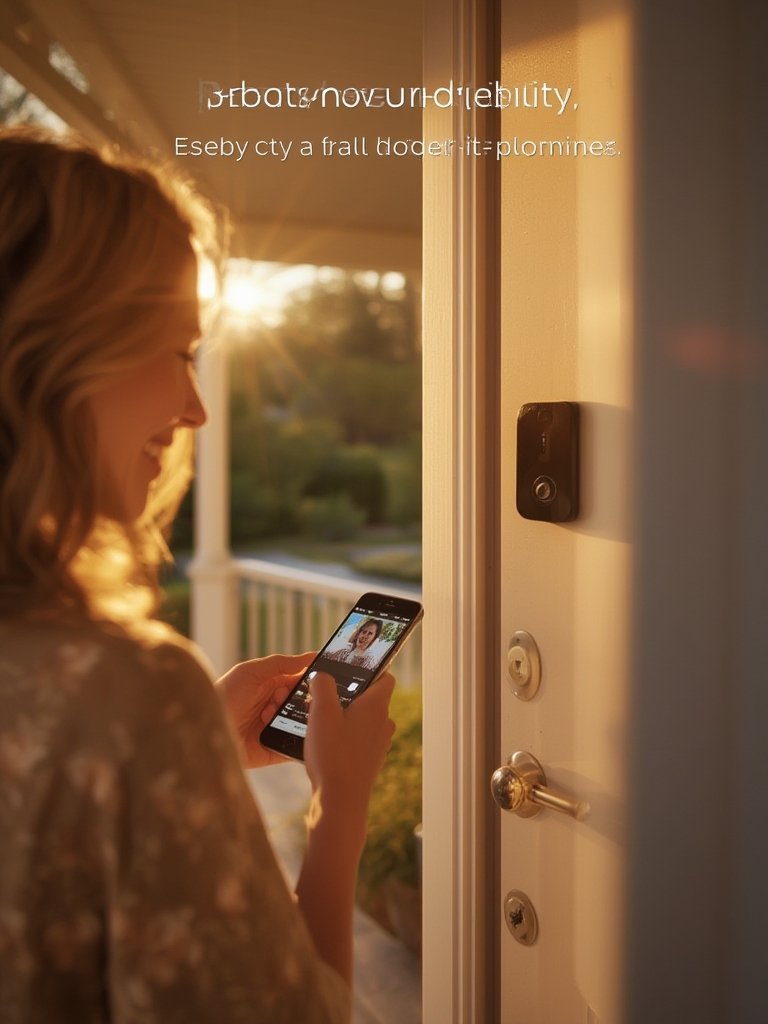
Choosing the best video doorbell no drilling means balancing convenience, privacy, security, and landlord approval. Battery models from Ring, Eufy, Google, and Arlo solve most rental challenges—just be realistic about Wi-Fi strength and mount durability, especially in apartments. Ready to upgrade your security with zero hassle? Pick the right no-drill video doorbell and stay protected—without risking your deposit.
FAQ
Can I install a video doorbell without landlord approval?
Many landlords allow non-invasive, no-drill installs, but always check your lease or ask for written permission. Even temporary adhesive can sometimes be an issue, so clarify first.
How secure are adhesive-mounted video doorbells?
With strong adhesive (like 3M VHB), they are surprisingly stable for indoor or sheltered entryways. However, in bad weather or high-traffic areas, a bracket or anti-theft plate offers more security.
Will a no-drill doorbell damage paint or wood?
Some adhesives may leave residue or pull up finish when removed. Warm the area with a hairdryer and peel slowly. Test on a hidden spot first if concerned.
What if my Wi-Fi signal is weak at the door?
Weak signals are common in apartments. Consider using a Wi-Fi extender or mesh system, or pick a model that allows off-site notification via cellular.
Are there any no-drill video doorbells with local storage?
Yes—Eufy offers local-recording video doorbells, which helps if you’re concerned with cloud privacy or subscription fees.